
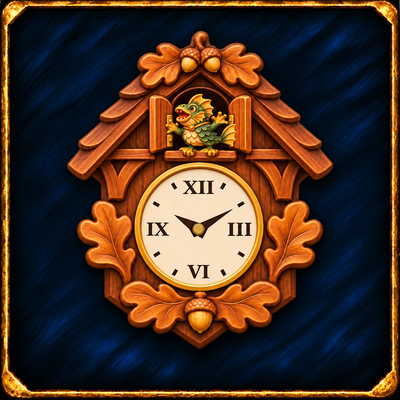
Forever Cuckoo Clock
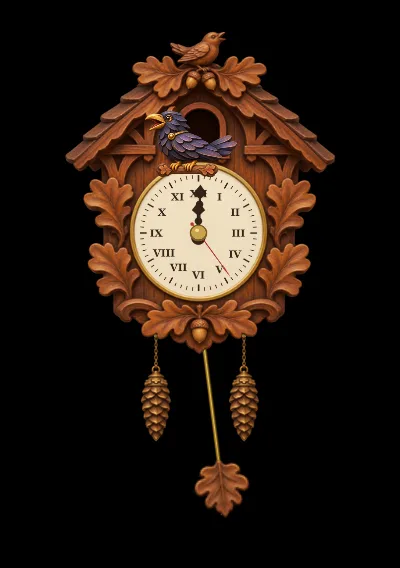
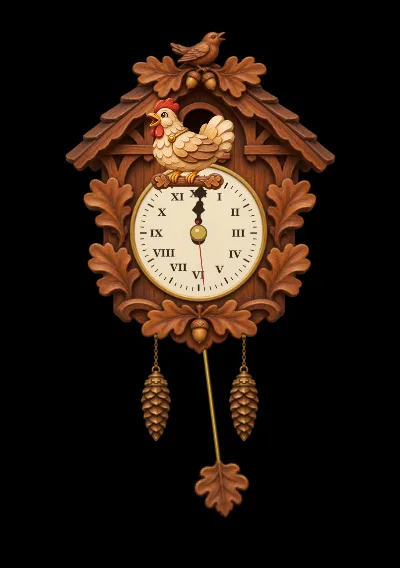
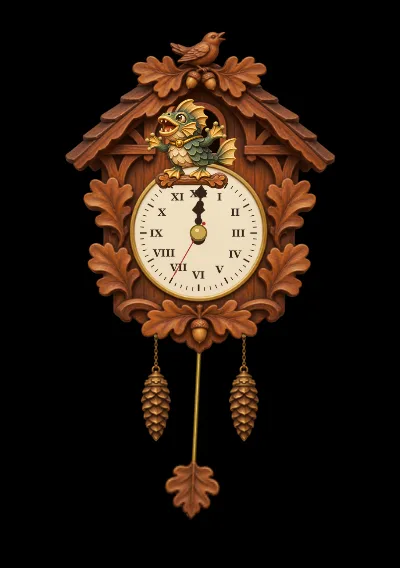
A carved cuckoo clock on your screen: the bird calls the hours, wakes you with an alarm and ends your timers. Cuckoo, owl, raven, chicken or murloc.
Screenshots
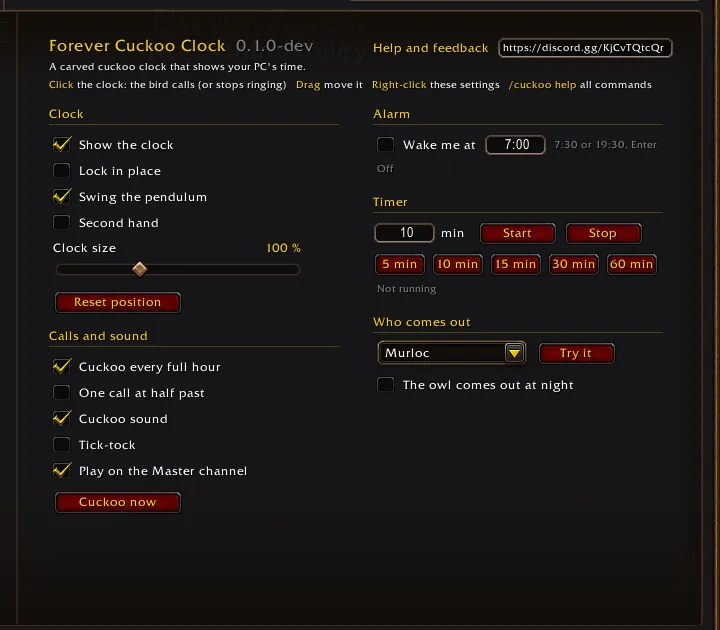
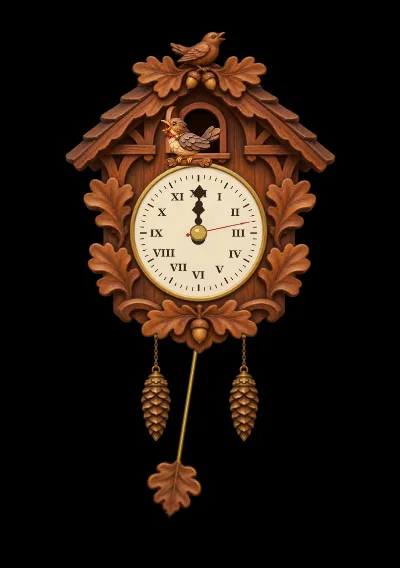
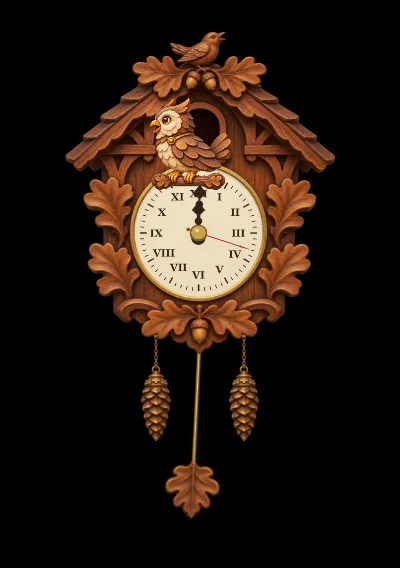
What it does
A carved cuckoo clock on your screen. It shows your PC's time, and every full hour the little door opens and the bird pops out and calls the hour: three times at 3:00, twelve times at noon. It also wakes you with an alarm and tells you when your timer is up.
- Who comes out is your choice: the cuckoo, an owl, a raven, a chicken or a murloc, each with its own call from the game. Or a random one every time, and the owl at night if you like.
- Alarm and timer.
/cuckoo alarm 7:30or/cuckoo timer 10; the bird keeps calling until you click the clock. A running timer survives /reload. The settings page has quick 5, 10, 15, 30 and 60 minute buttons. - A living clock. The pendulum swings, the weights sink as the hour runs, and tick-tock and a second hand are a check box away.
- Its own art and sound. Hand-painted carved wood and a cuckoo call made for the addon.
How to use it
- The clock appears at the top right. Drag it where you want it.
- Click it and the bird calls; right-click it for the settings.
- Set an alarm or a timer there, or with the commands below.
Commands
| Command | What it does |
|---|---|
/cuckoo |
open the settings |
/cuckoo show, /cuckoo hide |
the clock on the screen |
/cuckoo lock, /cuckoo unlock |
dragging the clock |
/cuckoo now |
the bird calls the hour |
/cuckoo stop |
stop a ringing bird |
/cuckoo alarm 7:30, /cuckoo alarm off |
the alarm |
/cuckoo timer 10, /cuckoo timer 5:30, /cuckoo timer stop |
the timer |
/cuckoo size 120 |
clock size in per cent |
/cuckoo bird murloc |
who comes out: cuckoo, owl, raven, chicken, murloc or random |
/cuckoo tick on, /cuckoo tick off |
the tick-tock |
/cuckoo reset |
the clock back to the top right |
Good to know
- The clock uses your computer's local time, not the server time.
- The sound plays on the Master channel by default, so you hear the alarm with game sounds off; the settings can move it to the Effects channel.
- An alarm or timer stops by itself after 60 calls if nobody clicks the clock.
Video
Changelog
0.1.1 current
Changes
- A new addon icon, painted by hand: the carved clock with a green murloc in the door on the blue Forever tile.
0.1.0
Features
- A new addon, Forever Cuckoo Clock, a carved wooden cuckoo clock on your screen with your PC's time. Every full hour the little door opens and the bird comes out and calls the hour (three times at 3:00, twelve at noon); one call at half past is an option. The pendulum swings, the weights sink as the hour runs, and tick-tock is a check box. An alarm (
/cuckoo alarm 7:30) and a timer (/cuckoo timer 10, kept through /reload) let the bird call until you click the clock; the settings page has quick 5, 10, 15, 30 and 60 minute timer buttons and shows what the alarm and the timer are doing. Click the clock and the bird calls once, drag to move it, right-click for the settings: size, second hand, sound on the Master channel or as an effect, and the Forever Addons Discord link. Who comes out is your choice: the cuckoo, an owl, a raven, a chicken or a murloc with their calls from the game, a random one every time, and optionally the owl at night (/cuckoo bird murloc). Its own painted art and its own cuckoo sound.
Help and feedback
Questions, bugs and ideas are welcome on the Forever Addons Discord: #help for setting it up, #bug-reports when something is broken (the addon version and the error text help a lot), #feature-requests for ideas.